
[ Design & Branding ]
Design System vs Style Guide: The Difference
Style guides describe how a brand should look. Design systems go further: tokens, coded components, usage rules, and a process for changing them safely.
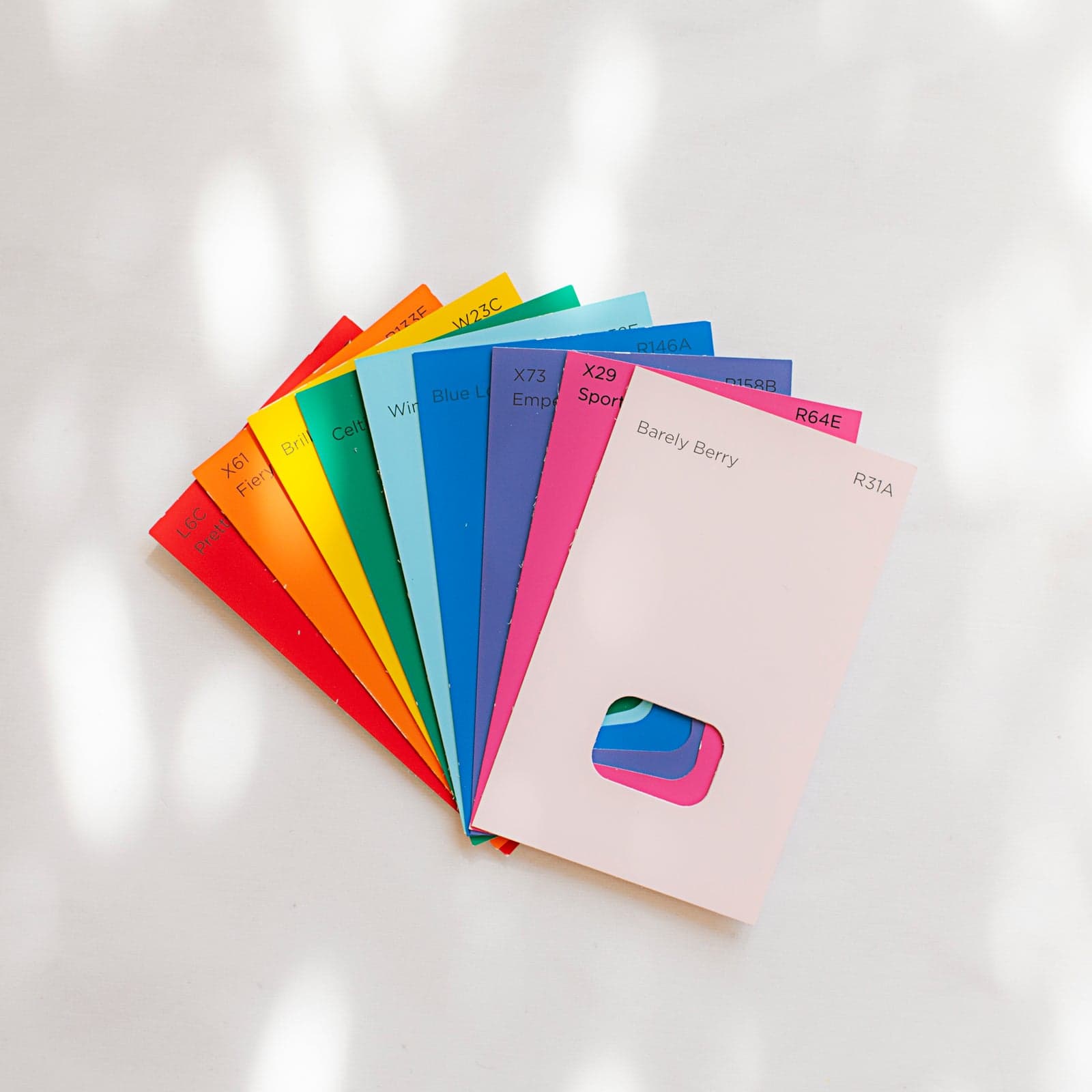
The terms style guide and design system are used as synonyms in briefs, and the confusion costs teams real money. A style guide is a reference: it shows the colours, fonts, and rules a brand follows. A design system is a working toolkit that those rules live inside — reusable components, shared values, documentation, and a process for changing them. One answers questions; the other prevents them.
A style guide typically covers colour, typography, spacing, imagery, and tone of voice. It may be a few pages in a shared document or a section of a brand book. Its audience is anyone producing something for the brand: designers, marketers, agencies, printers. It is valuable, and on its own it is static. Nothing in it runs in a product.
A design system adds the operational layer. Design tokens turn colour, spacing, radius, and type into named, shared values that exist in both design files and code. A component library provides buttons, inputs, cards, and navigation elements with their states, sizes, and behavior. Usage guidelines explain when each component is appropriate, and a contribution process explains how new patterns enter the system.
Tokens are the part that most repays the investment. When a brand colour is defined once and referenced everywhere, a palette change is a single edit rather than a search-and-replace across dozens of files and codebases. In design tools this means variables; in front-end code it means custom properties or a token file. The naming matters as much as the values, because names are what people remember under deadline.
Components are more than pretty pictures. A button component should define default, hover, focus, active, disabled, and loading states, plus sizes and variants. Inputs need error and helper text behavior. These details are where product teams otherwise improvise, and improvisation is how inconsistent interfaces appear despite good intentions. Documenting accessibility requirements alongside each component prevents them from being treated as optional.
Documentation is the difference between a library and a system. It should explain why a pattern exists, when to use it, when not to, and what it looks like in context. Screenshots age quickly, so living examples that match production are more trustworthy. Teams adopt a system when finding the right component is faster than building a new one, and clear documentation is what makes that true. It also needs a home people actually visit: a searchable site, a link from the repository readme, and an owner who keeps the shelves tidy.
Governance keeps a system from decaying. Someone must own decisions, review contributions, version releases, and retire patterns that no longer make sense. Without that, teams fork components, edge cases multiply, and the system slowly becomes one more inconsistent thing to maintain. Governance does not need to be heavy; it needs to be named, visible, and fast enough that following it is easier than ignoring it.
Migration from a style guide to a system can be gradual. Start by naming the values you already use, then wrap them in tokens without changing any visuals. Componentize only what is repeated, and do it while building real features rather than in a separate project with no deadline. Each release should leave the product more consistent than before. Teams that attempt a big-bang rebuild often ship nothing, while incremental adoption compounds quietly.
Tooling matters less than the decisions inside it. Design tools offer shared libraries and variables; front-end stacks offer token files and component frameworks; documentation sites keep the guidance discoverable. What matters is that a value or component has one authoritative definition and that both designers and developers read from it. Two tools that disagree are worse than one modest tool everyone uses, because every disagreement becomes a meeting.
A style guide is genuinely enough for some teams: a single website, one design and development pair, a stable product, and infrequent releases. The cost of a full system only pays back when multiple products or squads need to ship consistently at speed. A useful test is to count how many times the same design question is answered differently across teams in a month; a rising count is the system's business case. The signal to upgrade is repetition — when the same button is designed for the third time, a component and a token belong in a system.
Budgeting should account for maintenance, not just construction. Building the first set of tokens and a dozen components is the smaller expense; keeping them current as the product evolves is the ongoing one. A sensible start is tokens plus the five to ten components that appear on nearly every screen, released with documentation, then expanded as real use reveals gaps.
There is a simple way to tell which one you have. If the artefact cannot be imported or installed, has no version, and has no named owner, it is a style guide, however thorough it looks. If it ships values and components into real work and has a process for change, it is a design system. Knowing which you are paying for keeps the scope — and the invoice — honest.
[ Sources ]
Official documentation, checked and cited.
Terminology and platform behavior in this note trace back to published docs, not secondhand summaries.
[ Related service ]
Put this to work with figma ui/ux design.
[ Continue reading ]
More from design & branding.
Figma Handoff: Preparing Files for Developers
A handoff-ready Figma file has named layers, token-backed styles, documented states, responsive rules, and specs that remove guesswork before the build starts.
June 25, 20254 min read
UI vs UX: What You're Actually Paying For
UX defines the flow and the problem being solved; UI defines the visual and interactive layer. Scoping them separately makes design proposals easier to judge.
June 12, 20254 min read
Website Accessibility: WCAG Basics for Business Owners
WCAG becomes practical through contrast, keyboard access, clear forms, and semantic markup. Most barriers on business sites are fixable in normal sprints.
June 6, 20254 min read
[ Next step ]