
[ Maintenance & Support ]
The Complete WordPress Maintenance Checklist
A working checklist for updates, backups, security, staging, monitoring, and recovery drills — organized by cadence and written so someone can actually own it.
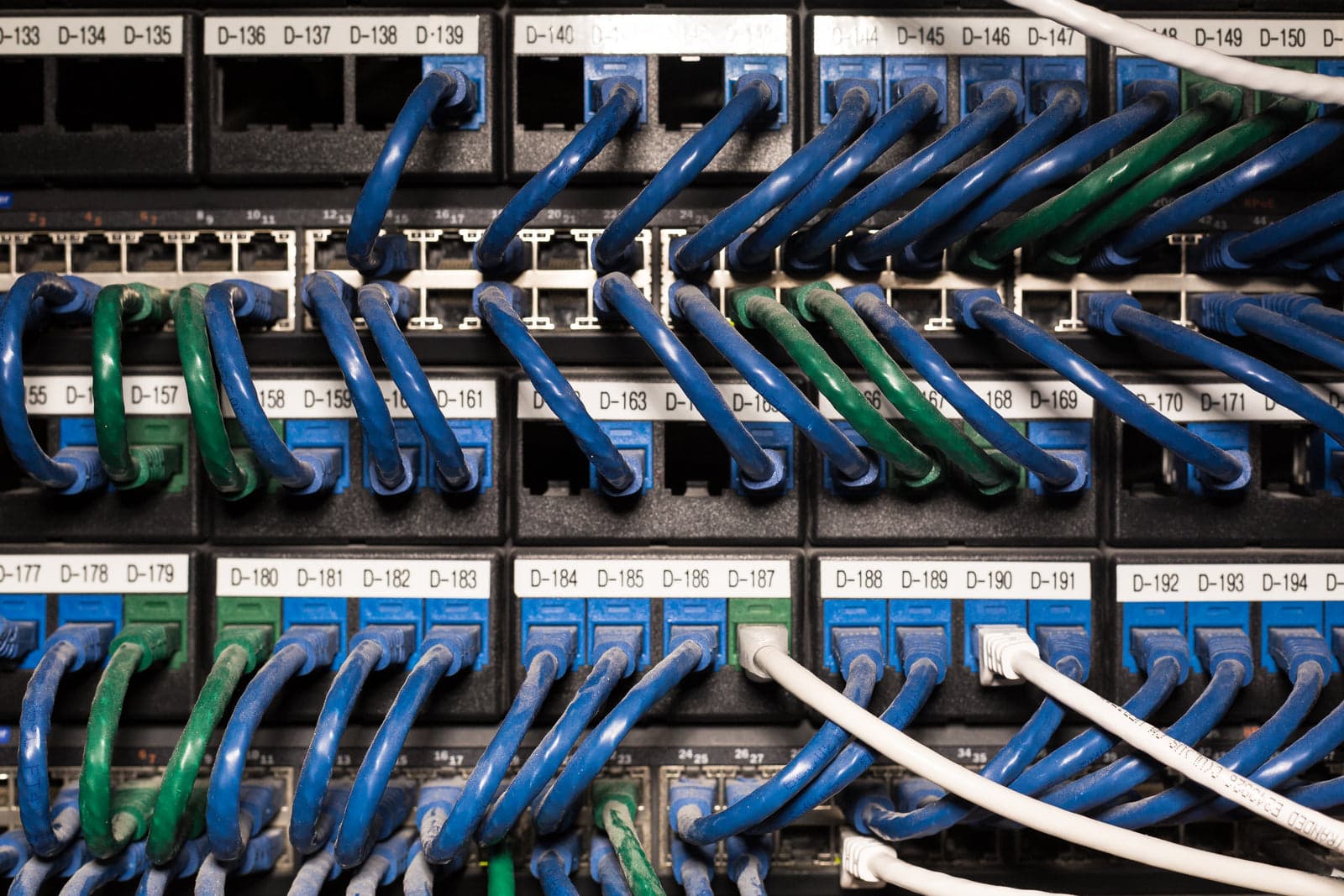
WordPress maintenance is often described as updating plugins, which is like describing car ownership as buying fuel. A site stays healthy when updates, backups, security, performance, monitoring, and recovery are handled as one system with a named owner. This checklist is organized so it can be adopted directly: inventory first, then recurring work by cadence, then the drills that prove the plan works.
Begin with an inventory. List the WordPress core version, PHP version, web server, and host; every active and inactive theme and plugin with its version and source; who has administrator accounts; which external services the site depends on; and when licenses and domains renew. Inactive plugins are still attack surface, abandoned plugins are liabilities, and unknown admin accounts are how sites get taken over. If nobody can produce this list, maintenance has not started yet.
Updates are the weekly rhythm. Let minor core security releases apply automatically on a well-configured site, but test major versions, PHP upgrades, and plugin updates on staging before production — and update plugins in small batches so a failure can be attributed to one change. Read changelogs for breaking changes, keep a rollback path ready, and avoid updating during a sales campaign or a launch week. If a plugin has been abandoned for years, plan its replacement rather than leaving it frozen in place.
Backups need more than a green checkmark. Run automated backups of both the database and the files, store copies off the hosting server in at least two locations, and confirm the schedule matches how much content you can afford to lose. A backup that has never been restored is a hope, not a backup. Restore a recent copy into a staging environment on a quarterly schedule, time how long it takes, and fix whatever the drill exposes.
Staging is the safety net that makes bold updates boring. Keep an environment that mirrors production closely enough to be meaningful, apply updates and configuration changes there first, and test the paths that matter: checkout or forms, login, search, and key templates. Be careful with the direction of synchronization so test content does not overwrite production articles, and keep staging out of search indexes with authentication or server rules.
Security is a set of habits more than a single plugin. Enforce strong passwords and two-factor authentication for every administrator, remove unused accounts, and grant the least privilege each role needs. Limit login attempts, keep a web application firewall in front of the site where the host provides one, set sane file permissions, and disable the built-in file editor in production. Follow vulnerability announcements for the plugins you actually run, and patch the dangerous ones the day they are disclosed.
Performance work belongs on the maintenance calendar because it decays. Review caching rules after any major change, keep image compression in the editorial workflow, clean up post revisions and transients periodically, and check database size and slow queries before they become incidents. Watch Core Web Vitals field data per template, not just site-wide, and investigate regressions the week they appear rather than at the next annual review.
Monitoring covers everything that fails silently. Uptime checks, PHP error logs, broken link scans, form deliverability tests, SSL and domain expiry reminders, and scheduled-task health are the basics. A contact form that quietly stops sending email is a revenue problem that no uptime monitor will catch unless someone tests it. Route alerts to a channel a person actually watches, and record who responds when.
Then practice recovery, not just backup. Write a runbook that names the exact steps to restore files and database, the credentials needed, the order of operations, and who decides to pull the trigger. Run a timed drill at least twice a year — ideally restoring onto staging from an off-site copy without touching production — and keep the runbook updated when the stack changes. The goal is a calm, rehearsed response instead of an improvised one at 2 a.m.
Documentation is the difference between maintenance and guessing. Keep a single runbook that lists hosting and DNS providers, where credentials are stored, the plugin inventory with license renewals, backup locations, the restore procedure, and the on-call contact for each system. Record why non-obvious configuration exists, not just what it is, because the next person cannot infer intent from a settings screen. Review the runbook once a quarter and after every incident. A site that lives on one person's memory is a single point of failure no backup can restore.
Cadence keeps the system honest: weekly updates and monitoring reviews; monthly security-account audits and backup verification; quarterly restore drills, plugin reviews, and performance checks; and annually, license and hosting reviews, PHP version planning, and a look at whether the site's architecture still matches the business. Put each item on a calendar with an owner. Maintenance that depends on memory is maintenance that lapses.
Finally, decide who does the work. Some teams handle it internally and should still document the runbook; others hand it to a maintenance partner and should receive reports showing what changed each month. Whichever route you choose, the accounts, backups, and documentation should stay in your ownership. The measure of good maintenance is not a quiet month; it is the confidence that a bad day will be short.
[ Sources ]
Official documentation, checked and cited.
Terminology and platform behavior in this note trace back to published docs, not secondhand summaries.
[ Related service ]
Put this to work with wordpress maintenance.
[ Continue reading ]
More from maintenance & support.
How to Recover a Hacked WordPress Site Safely
Stabilize the site, preserve logs, identify the entry point, rotate every credential, then clean and harden before going back online.
February 25, 20254 min read
Website Maintenance Plans: What's Included
Good maintenance plans spell out update policy, backup and recovery testing, security monitoring, support hours, and reporting cadence.
February 11, 20254 min read
Uptime Monitoring: Tools and Practices That Work
Effective uptime monitoring watches real user journeys, routes alerts to someone accountable, and pairs synthetic checks with real-user data.
February 28, 20254 min read
[ Next step ]